Files

der-1.gif
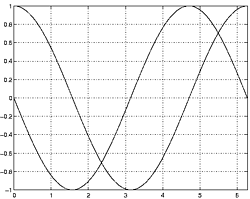
der-2.gif
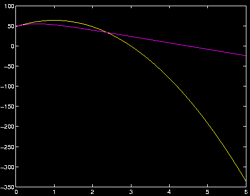
dt-1.gif
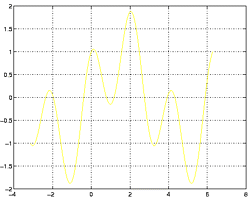
dt-2.gif
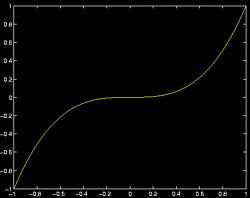
dt-20.gif
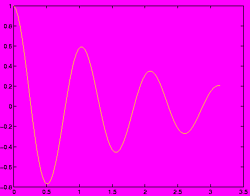
dt-3.gif
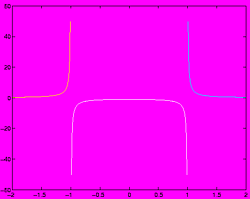
dt-4.gif
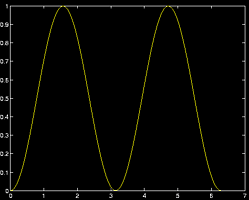
fig-1.gif
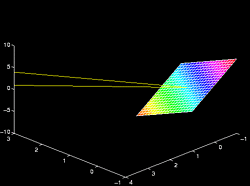
index.html
lim-1.gif
MatlabPlotting.mp4
MatlabPlottingR2018a.mp4
newtons-method.gif
next_motif.gif

plt-8.gif
plts-1.gif
plts-2.gif
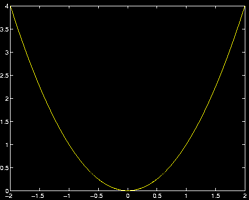
plts-3.gif
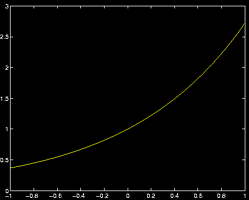
plts-4.gif
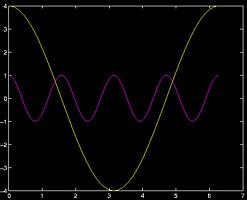
plts-5.gif
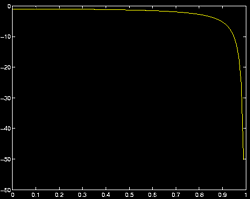
plts-6.gif
plts-7.gif
plts-7a.gif
previous_motif.gif

projectile-motion.mp4
projectile-motionR2018a.mp4
salary.mp4
salaryR2019a.mp4
shrt-1.gif
sin365.mp4
sin365R2018a.mp4
test.gif

tutorial-pieces.html
tutorial.html
tutorial001.gif
tutorial001.html
tutorial002.gif
tutorial002.html
tutorial003.gif
tutorial003.html
tutorial004.gif
tutorial004.html
tutorial005.gif
tutorial005.html
tutorial006.gif
tutorial006.html
tutorial007.gif
tutorial007.html
tutorial008.gif
tutorial008.html
tutorial009.gif
tutorial009.html
tutorial010.gif
tutorial010.html
tutorial011.gif
tutorial011.html
tutorial012.gif
tutorial012.html
tutorial013.gif
tutorial013.html
tutorial014.gif
tutorial014.html
tutorial015.gif
tutorial015.html
tutorial016.gif
tutorial017.gif
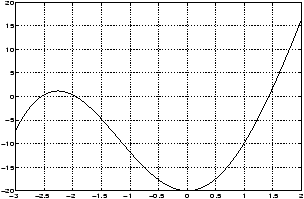
tutorial018.gif
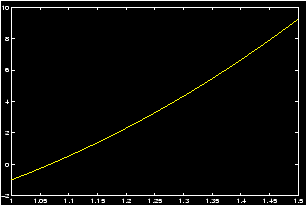
tutorial019.gif
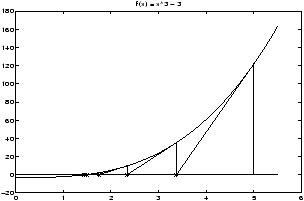
tutorial020.gif
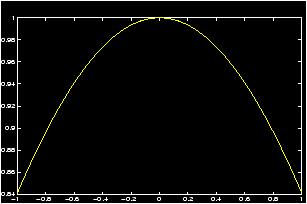
tutorial021.gif
tutorial022.gif
zer-1.gif
zer-1a.gif
zer-2.gif
zer-3.gif


12 Appendix
12.1 Mathematics terminology
- dot product
: The dot product or scalar product between
two vectors is formed by matching up corresponding coordinates,
multiplying then adding. For example
(1,2,3) · (4,5,6) = 1(4) + 2(5) + 3(6) = 32.In MATLAB this could be done with the following commands:
>> a = [1,2,3]; b = [4,5,6];    % define two vectors
>> dot(a,b)                     % returns 32
Which uses the dot command. Alternatively we could have used matrix multiplication>> a * b' % using matrix multiplication
- cross product
: The cross product between two
three-dimensional vectors u and v is a vector with
direction given by the right-hand rule and magnitude given by
||u||||v||sinq. In MATLAB it is found with the
cross
command
>> u = [1,2,3]; v = [4,5,6];    % two vectors
>> w = cross(u,v)               % the cross product
ans = -3 6 -3
>> dot(u,w)                     % cross product is orthogonal to u and v
   ans = 0
- scalar
: In Linear Algebra, a scalar is a name for a real
number.
- matrices
and a matrix
: In Linear Algebra a
matrix is a n × m tabular array of numbers with n rows and
m columns. Matrices are quite useful for things such as keeping
track of systems of equations, keeping track of connections between
nodes on a graph, or even representing operations of a robot arm
such as rotations. In MATLAB we can enter a matrix quite easily. For
example this enters in a 2 by 3 matrix
>> [1, 2, 3; 4, 5, 6] % the matrix [1 2 3] % [4 5 6] - matrix multiplication
: In Linear Algebra the product
between two matrices A and B are defined if A is n by m
and B is m by p. Notationally it is given by
MATLAB uses the usual multiplication symbol
(AB)i,j = n å k=1 Ai,k Bk,j. *for matrix multiplication when the two quantities are matrices.>> A = [1,2;3,4] % A is 2 by 2 >> B = [5,6,7;8,9,10] % B is 2 by 3 >> A*B % answer is 2 by 3 ans= 21 24 27 47 54 61 >> B*A Warning, Warning Will Rogers % Who said you could do this! Wrong sizes
- transpose
: in Linear Algebra the transpose operator
changes a n by m matrix into an m by n matrix by switching
the indices. In MATLAB it is indicated with the ' sign. A
typical example is to transform a row
vector
into a column
vector.
>> v = [1,2,3]                  % a row vector
>> v'                           % a column vector
- vector
or list
: In Linear Algebra a vector is a list of
numbers of a certain size. It can be a row vector such as
>> [1, 2, 3] % the vector (1,2,3)
or a column vector, which in MATLAB is entered in with>> [1;2;3] % the vector (1) % (2) % (3)In Physics, a vector is a mathematical quantity that represents a magnitude and a direction. A vector becomes a list of numbers once we chose a coordinate system, and identify a vector with the directed line segment from the origin to a point. Often the distinction between a column vector and a row vector is not made, but it is important to MATLAB.
12.2 Calculus terms
Here are some familiar terms from Calculus:-
continuity
. Contiuity of a function
is the property that the function has a limit, and the limit has the
proper value. The limit as x goes to c exists and is f(c). A
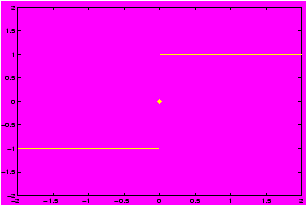
discontinuous function
is one where
either the limit does not exist (for example sin(1/x) at x=0)
or when the limit does not have the correct value.
- plane
. A plane is made up of all solutions to a linear
equation in 3 unknowns. The general form of a plane is
a x + b y + c z = d.This plane is normal to the vector á a,b,c ñ.
- Vector-valued functions
. A
function whose range is a subset of Rn, n>1.
- Asymptotes
. An asymptote is a way of
describing how a graph looks when an infinity is approached. A
horizontal asymptote for example tells us the behaviour of a
function as x = -¥,a nd x = ¥ are approached.
- Sequences
. Technically, a sequence is just a
funciton whose domain is a subset of the integers, usuall the
positive integers. An example is the harmonic sequence 1,1/2,1/3,....
- Domain of a function . The domain of a function consists of all values for which the function is defined.
12.3 Some internet miscellania
Here are some definitions of some terms found in this tutorial and on the internet:- LaTeX
: LATEXis the standard typesetting program for
mathematicians throughout the world. It was used to make this
manual. If you are curious, and a bit adventuresome, you can find
out more at
http://www.tug.org
- UNIX
: UNIX is an older and much more mature operating
system that Windows 95 or Windows NT. To find out more, you may be
interested in a free implementation for personal computers, called
linux
. For more information see
http://www.redhat.com.
- emacs
: Emacs is an editor/kitchen sink prevalent in the
UNIX
world. There are versions available for Windows 95,
Windows NT and Windows *. For information, you can try the XEmacs
home page at
http://www.xemacs.org.
- linux
: a free implementation of the
UNIX
operating system for personal computers. (As well, powerPC
MacIntosh's and some workstations.) For more information you can try
http://www.redhat.com.
- postscript
: Postscript if a computer language that
controls many printers. Consequently it is the default way to share
files among internet users. In order to view or print postscript you
need an interpreter (if you are a windows user). You can find one at
http://www.cs.wisc.edu/ ghost/aladdin/
- m-files
: An ``m-file'' in MATLAB is a way to store
functions for later use. MATLAB stores functions in files which have
the file extension .m, for example test.m,
factorial.m, etc. An ``m-file'' needs to have a special
syntax. You can read more in the section on
m-files
.
- script files : a script file in MATLAB is a way to store several key strokes for later use. In contrast to an m-files , you can not pass arguments to a script file. Script files should have the file extension .m.